
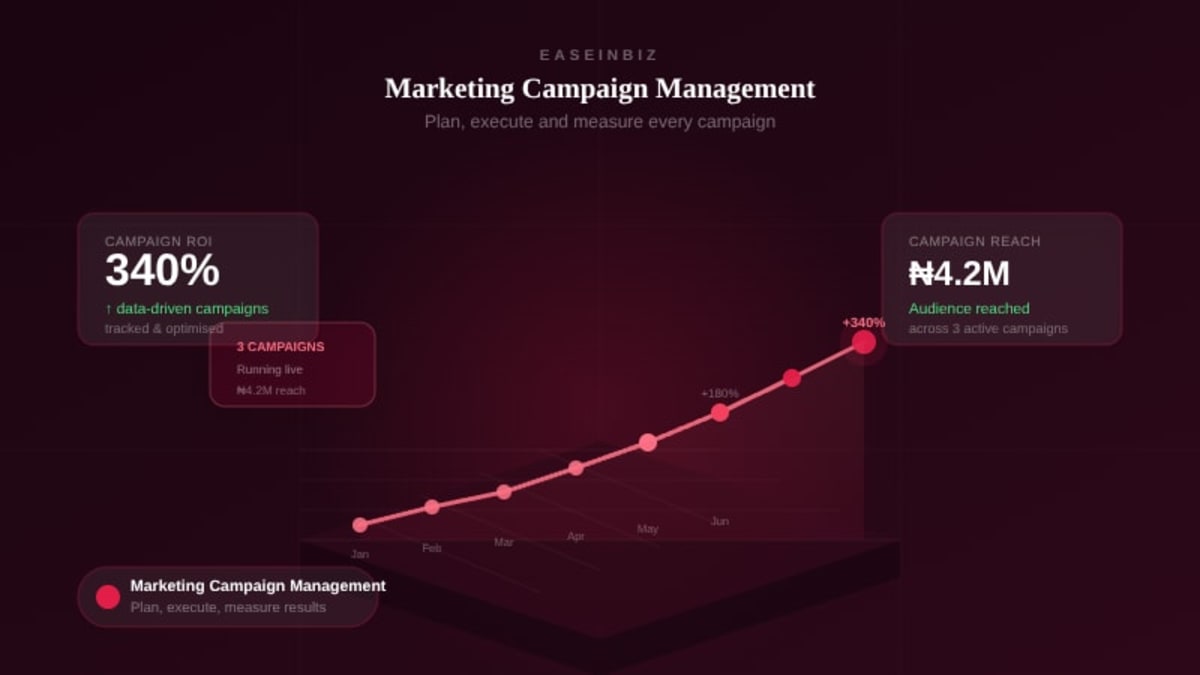
Marketing Campaign Management: How to Plan, Execute, and Measure Results
Running a marketing campaign without proper management is like building a house without a blueprint. You might get something standing at the end, but you'll spend more than you should, run into avoidable problems, and likely end up with a result that doesn't match what you imagined.
Marketing campaign management is the discipline of planning, executing, tracking, and optimizing marketing campaigns in a systematic way. When done right, it turns marketing from a creative guessing game into a repeatable, data-driven growth engine.
This guide covers the full campaign management lifecycle — from planning to measurement.
What Is Marketing Campaign Management?
Campaign management encompasses everything involved in bringing a marketing campaign to life:
- Defining campaign goals and KPIs
- Planning content and messaging across channels
- Assigning tasks to the right team members
- Managing timelines and approvals
- Publishing and distributing content
- Tracking performance against goals
- Analyzing results and optimizing future campaigns
For agencies managing campaigns on behalf of multiple clients, this becomes even more complex — multiplied across every active account.
The Campaign Planning Phase
1. Define Clear Goals
A campaign without a clear goal is just activity. Before you do anything else, define what success looks like in specific, measurable terms:
- How many leads should this campaign generate?
- What increase in brand awareness are you targeting?
- How many conversions, sales, or sign-ups is this campaign supposed to drive?
- What engagement rate are you targeting on social content?
Attach a number to your goal. "More leads" is not a goal. "150 qualified leads from LinkedIn in Q2" is a goal.
2. Define Your Target Audience
The most common campaign failure is talking to the wrong people with the wrong message. Define your audience precisely:
- Who are they? (Demographics, role, industry)
- What do they care about?
- What problem does your offer solve for them specifically?
- Where do they spend time online?
3. Choose Your Channels
Different audiences live on different channels. Don't run campaigns everywhere — run them where your audience actually is:
- Instagram/TikTok: Consumer brands, lifestyle, younger audiences
- LinkedIn: B2B, professional services, decision makers
- Facebook: Broad consumer reach, local business, older demographics
- Google Search: High-intent audiences actively searching for solutions
- Email: Warm audiences, existing customers, nurture campaigns
4. Map the Content Plan
Before your team creates a single piece of content, map the full campaign:
- What content types are needed? (Posts, videos, emails, landing pages, ads)
- What's the messaging framework?
- What's the publication schedule?
- Who is creating each piece?
- What's the approval process?
The Campaign Execution Phase
1. Assign Tasks With Clear Ownership
Every piece of campaign work — copy writing, design, video editing, ad setup, approval requests — should be assigned as a task with a specific owner and deadline. If it's not assigned, it won't happen reliably.
2. Manage the Content Approval Workflow
For agency work, client approval is often the longest part of the campaign timeline. Establish a structured approval process:
- Submit content with clear context (what it's for, where it's going, when it publishes)
- Set clear review deadlines — "Feedback needed by Friday COB"
- Track approval status in your campaign management system, not in email threads
- Maintain version history for creative assets
3. Maintain a Publishing Calendar
Content that isn't scheduled in advance gets published inconsistently. A campaign publishing calendar shows:
- What's scheduled to go out when
- Which channel it's going to
- Who's responsible for publishing
- Whether it's been approved
4. Monitor in Real Time
Once a campaign is live, it needs active monitoring. Watch your key metrics daily in the early days to catch problems early:
- Is the ad spend pacing correctly?
- Are engagement rates in line with benchmarks?
- Are there any technical issues (broken links, wrong creative)?
- Is there any negative feedback that needs to be addressed?
The Campaign Measurement Phase
Key Metrics to Track
Reach and Awareness:
- Impressions — total times your content was shown
- Reach — unique people who saw your content
- Follower growth
Engagement:
- Engagement rate (likes + comments + shares ÷ reach)
- Click-through rate (CTR)
- Video completion rate
Conversion:
- Leads generated
- Cost per lead (CPL)
- Conversion rate from landing page
- Return on ad spend (ROAS)
Revenue:
- Sales attributed to campaign
- Revenue generated vs. campaign cost
- Customer acquisition cost (CAC)
Campaign Reporting for Clients
If you manage campaigns for clients, regular reporting is non-negotiable. Good campaign reports:
- Lead with the most important numbers (leads, conversions, spend)
- Show trends over time, not just point-in-time data
- Highlight what worked and what's being optimized
- Tie results back to the client's original business goals
Common Campaign Management Mistakes
- No pre-defined success metrics — If you don't know what winning looks like, you can't optimize toward it.
- Underestimating production time — Quality content takes time. Build production timelines that are realistic, not aspirational.
- Running too many channels at once — Better to run two channels excellently than five channels poorly.
- No mid-campaign optimization — Don't wait until the campaign ends to make adjustments. Optimize while the campaign is running.
- No post-campaign review — Every campaign is a learning opportunity. Without a structured retrospective, you repeat the same mistakes.
Managing Campaigns Across Multiple Clients
For agencies, campaign management is multiplied across every client account simultaneously. You need a system that:
- Links campaigns to specific client organizations
- Tracks campaign status and progress across all accounts
- Manages content approvals per client
- Stores campaign assets and metrics in one place
- Gives your team visibility across all active campaigns
Easeinbiz's campaign management module is built for exactly this — linking campaigns to clients, assigning team members, managing content items and approvals, and tracking social media, Google Ads, and ecommerce metrics from one dashboard.
Great campaigns don't happen by accident. They happen because there's a system behind them. Build yours with Easeinbiz.