
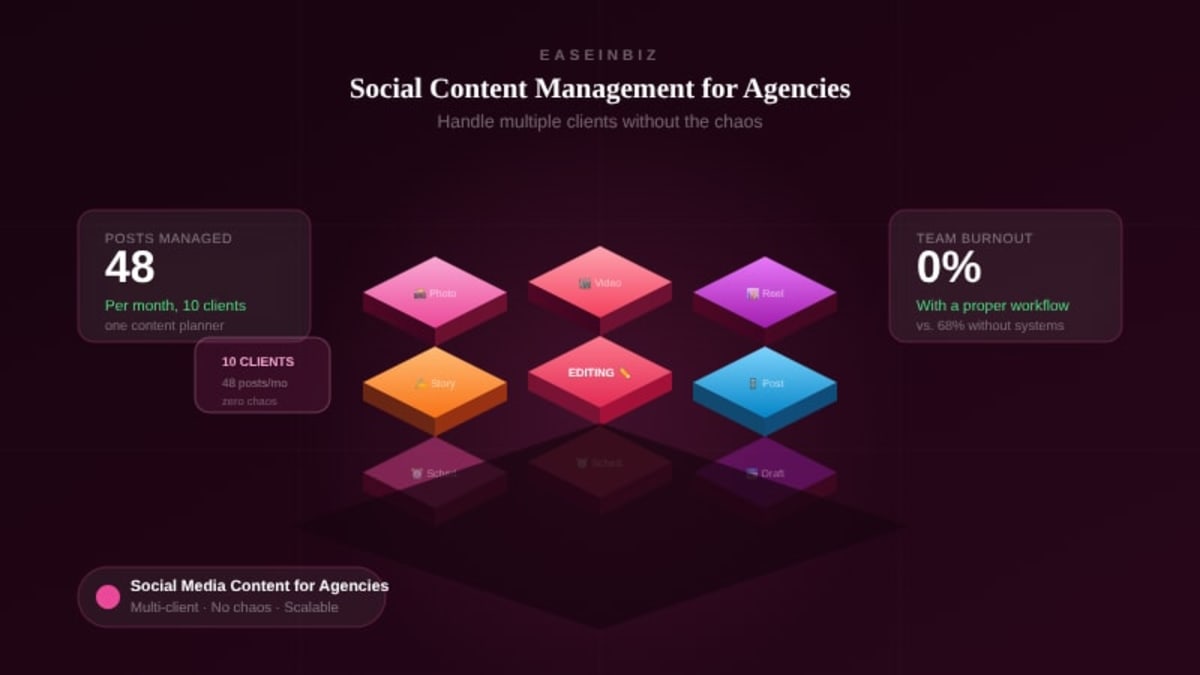
Social Media Content Management for Agencies: How to Handle Multiple Clients Without the Chaos
Managing social media for one brand is a full-time job. Managing it for 10 clients simultaneously? That's a different challenge entirely — one that can quickly overwhelm even experienced agencies if the right systems aren't in place.
The agencies that scale successfully in social media management all have one thing in common: they've built a content management system that makes the complexity manageable. They've replaced chaos with process.
This guide is for agency owners, social media managers, and content teams who need to get more organized — handling more clients, delivering better content, and keeping approvals moving — without burning out.
The Core Challenges of Multi-Client Social Media Management
Before we talk solutions, let's name the problems clearly:
1. Content Volume
Even at a conservative 3 posts per week per client, managing 10 clients means 30 pieces of content every week. Each one needs copy, visuals, hashtags, platform adaptation, and approval. Without a system, this pile collapses on itself.
2. Client Approvals
Waiting for client sign-off is often where the whole process breaks down. Content goes into an email, gets buried, doesn't get a response, misses the publish window, and then someone is scrambling at 9pm.
3. Brand Voice Consistency
Every client has a different tone, audience, and set of do's and don'ts. With multiple team members creating content for multiple clients, brand inconsistency creeps in easily.
4. Team Coordination
Who's writing copy for this post? Who's designing? Who submits for approval? When is it due? Without clear answers, things stall or get duplicated.
5. Performance Tracking
Clients want to know what results their investment is generating. Without a structured analytics tracking system, you're scrambling to pull numbers together before each reporting meeting.
Building a Social Media Content Management System
Step 1: Create a Client Content Brief for Each Account
Before you create a single post, document the essentials for each client:
- Brand voice and tone guidelines
- Content themes and pillars (e.g., educational, promotional, community, behind-the-scenes)
- Platforms to manage
- Posting frequency per platform
- Mandatory hashtags and branded tags
- Topics to avoid
- Approval contacts and process
This brief is the single source of truth for anyone creating content for that client. Store it where your whole team can access it.
Step 2: Plan Content in Monthly Batches
Ad-hoc content creation is reactive and stressful. Batching content creation — planning an entire month of posts in one or two sessions — is dramatically more efficient.
For each client, set aside dedicated content planning time. Build the content calendar for the month, create all assets in a batch, submit for approval in one go, then schedule in advance. This transforms daily firefighting into a structured workflow.
Step 3: Use a Centralized Content Approval Process
Email is not a content approval system. Here's a better approach:
- Submit content through a centralized platform where the client can review each piece
- Include the post copy, visual, caption, hashtags, and scheduled publish date for each item
- Set a clear feedback deadline — "Please review by Wednesday at 5pm"
- Track approval status in the same system — approved, revision requested, pending
- Keep a record of all approvals for accountability
Step 4: Assign Content Tasks With Clear Ownership
Each content piece needs a clear production workflow:
- Copywriter assigned → due date for draft
- Designer assigned → due date for visual
- Account manager → submits to client for approval by specific date
- Publisher → schedules content once approved
When every step has an owner and a deadline, nothing stalls without a clear reason why.
Step 5: Track Content Types and Platforms
For multi-platform campaigns, each content item needs to be tagged with:
- Content type (image post, carousel, Reel, story, blog post, etc.)
- Target platform(s)
- Campaign association
- Status (draft, pending approval, approved, scheduled, published)
This gives you a clear picture of your content pipeline at all times.
Tracking Social Media Metrics That Matter
Content management is only half the job. You also need to track and report on performance.
Platform-Specific Metrics to Track Monthly
Instagram/Facebook:
- Reach and impressions
- Engagement rate (likes + comments + shares ÷ reach)
- Follower growth
- Profile visits and link clicks
LinkedIn:
- Impressions
- Click-through rate
- Follower growth
- Lead generation (if using Lead Gen Forms)
Twitter/X:
- Impressions and engagement
- Profile clicks
- Link clicks
Reporting to Clients
Monthly client reports should be:
- Visual — charts and graphs, not just numbers
- Contextual — explain what the numbers mean and why they moved
- Forward-looking — what's the plan for next month based on this month's learnings?
- Tied to business goals — always connect metrics back to what the client cares about
Scaling a Social Media Agency Without Scaling Chaos
Growth is the goal — but growth without systems just means more chaos at a larger scale. The agencies that scale successfully do so by:
- Building repeatable processes for every recurring task
- Centralizing all client, content, and performance data in one platform
- Using templates for content planning, approval requests, and client reporting
- Training all team members to the same standard before adding clients
- Reviewing and optimizing processes quarterly as the team grows
Easeinbiz for Social Media Agencies
Easeinbiz's content management module is built for agencies managing content across multiple clients. Each content item can be linked to a campaign and client, assigned to team members, tagged with platform and content type, and submitted through a structured approval flow. Campaign metrics — including social media performance — can be tracked directly in the platform alongside all your other operational data.
No more content spread across Google Docs and email threads. No more chasing approvals in WhatsApp. Everything in one place — organized, trackable, and scalable.
Ready to run a tighter content operation? Easeinbiz gives your agency the content management system it needs to serve more clients without sacrificing quality or sanity.